My notes for the fundamentals seem to be all over the place but I found my unreal project for it. I’m going to identify which
TASK 1
As a minimum, try and implement:
- 1.Something that moves – either across the ground or with moving parts like a windmill
- 2.Something that changes when the player gets near – a door maybe?
As stretch goals, you can try making:
- 3.Something that spawns other blueprints
- 4.Something that follows the player
- 5.Something that changes with user input
For the fundamentals, I planned to make elements that I already had in mind for my indie dev game. I’ve connected the project to github using the built in source control however this apparently isn’t ideal, and it’s better to just set up the unreal project as a repository in github after creation.
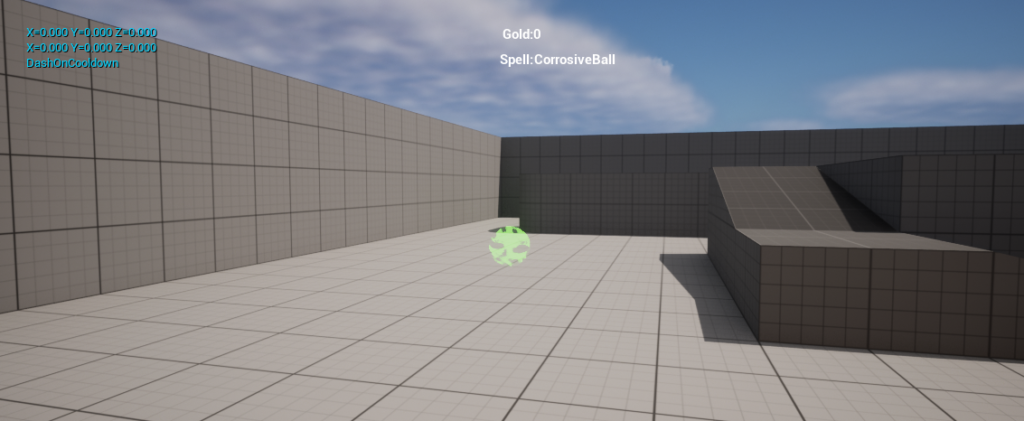
I programmed a mechanic where the player spawns in a projectile on a keybind.
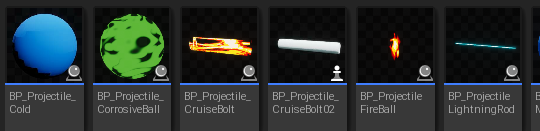
Scrollwheel changes the selected spell used when firing a projectile, using an enumerator to change the selected spell and a select to get the right class when firing.
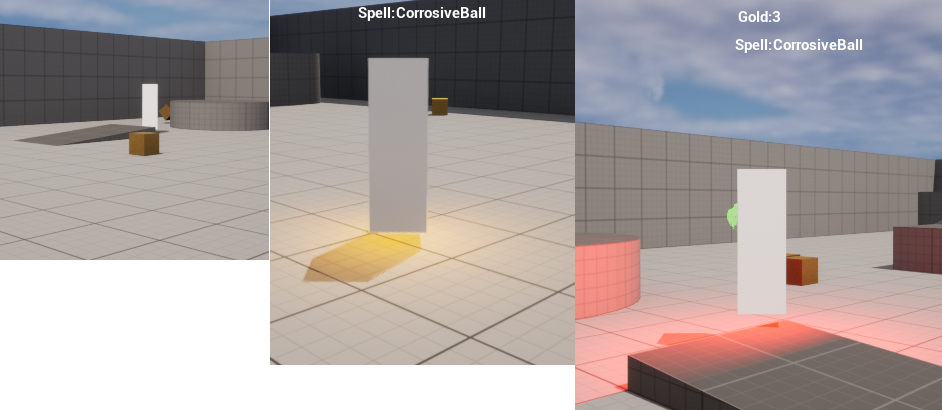
Using AI and a navmesh, I’ve set up an punching bag enemy that follows the player around. When they’re within a certain distance from the player, a yellow warning light activates. When the enemy is hit with a projectile it stops moving and activates a red light for a few seconds before chasing the player again.
TASK 2:
As a minimum, try and implement:
- 1.A new input for the player – such as dashing or crouching
- 2.A new actor that is spawned through the player – such as a fireball
As stretch goals, you can try making:
- 3.Something that overrides the controls from the player – such as a remote-controlled missile or a hot air balloon
- 4.Something that reads an actor’s properties to output different actions – such as a coin sorter
- 5.Something that drops “loot” when it’s destroyed – such as an enemy or a chest
For 1. I’ve made a dash where on input, an impulse is added to give the player a burst of speed in their current movement direction. I didn’t have the best understanding of movement vector math so I just multiplied the current vector to get a new value. To apply a maximum speed, I check if the new speed is greater than the maximum speed and if is then it will use the maximum speed float instead.

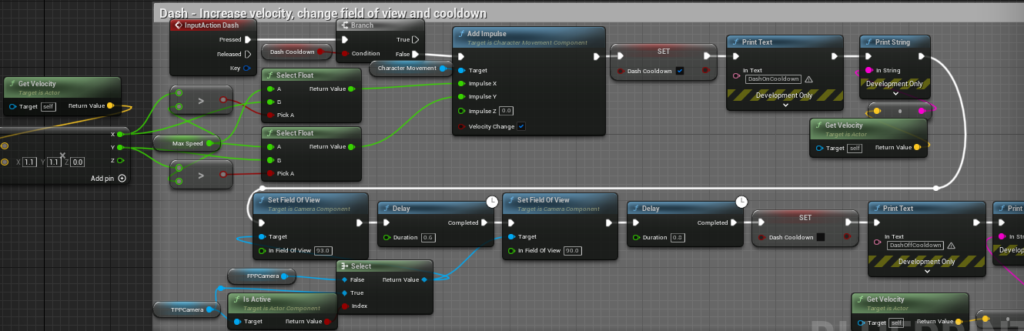
Looking back, A rather silly flaw in this logic is that I’m comparing the new speed to the max speed, and applying the max speed as the impulse which results in a speed which is higher anyway? I was very silly making this.
2. is already done with the projectile attack.
for 3. I made a spell that the player can control, I haven’t worked out how handle the rotation and movement that well of the projectile but still, when the spell is cast the a function is called which disables and enables input to player with fed in toggle bool, it’s called when the spell is cast and again when the spell ends. (This uses delays, it would be much better with timers).
The most recent branch is UniTemporaryDev, I’ve loaded that now which has the more recent changes.
4.
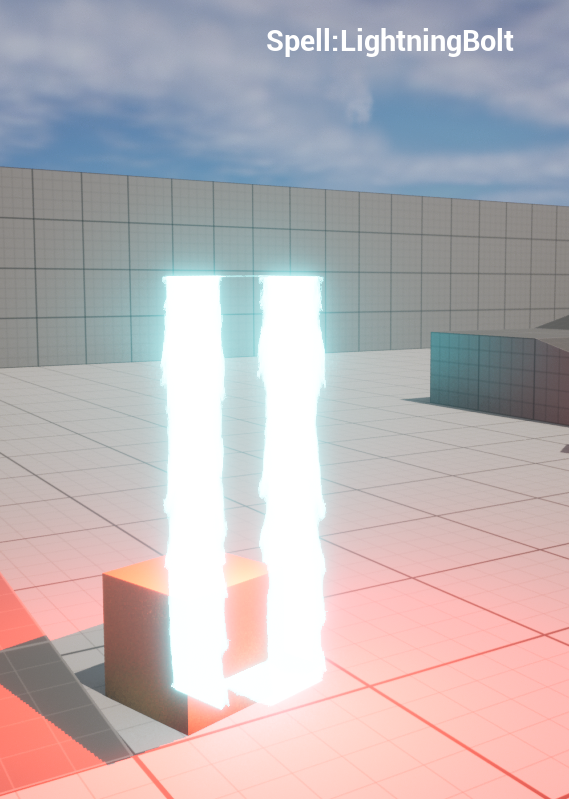
When the punching bag enemy is hit, it takes the material from that projectile and applies it to itself for the stun duration.
5.
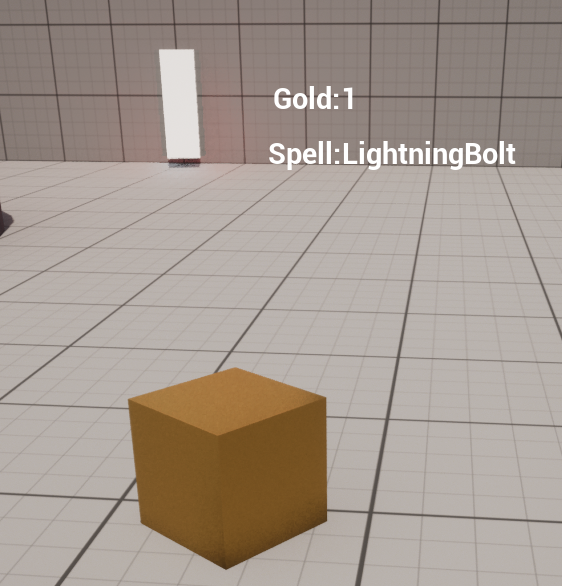
When the enemy is stunned, it drops a block of gold that can be picked up and adds to a gold score.
TASK 3
As a minimum, try and implement:
- 1.Some functions that change the blueprint’s appearance when conditions are met – such as a timed colour change
- 2.Some functions that are used as “setters” and “getters” for other blueprints
stretch goals, you can try making:
- 3.A function that can manage multiple actors – such as a scale manager for all characters
- 4.A function that throws away actors that get near it – such as a bumper car
- 5. A function that moves actors to and from preset locations – such as a portal
I don’t have to worry about 1, as this was met when tackling the last task.
For the Remainder of the fundamentals, I’ll start to refer to some aspects of my indie dev game.
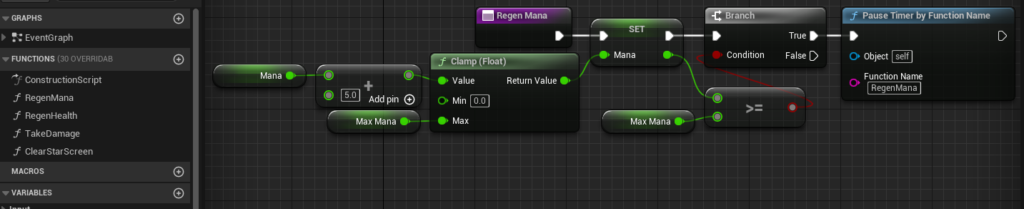
For 2, I’ve got a function that sets the player’s mana on a timer to regenerate overtime.
For 3, I have a start button where once pressed, it gets all wall actors in the level and starts a timer on each of them.
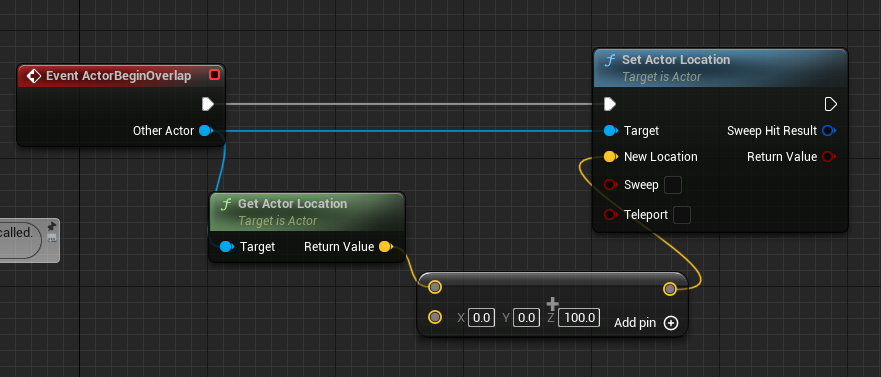
For 4, I made a brick that does not want to be touched.
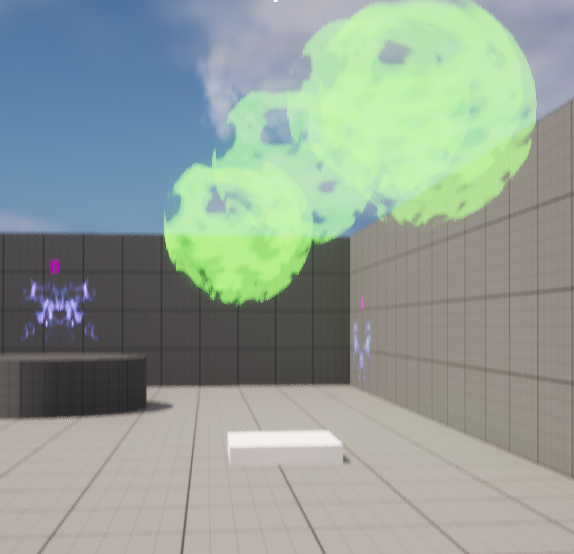
It has a large sphere collision and on overlap, it drastically raises the actor’s height
for 5, I quickly made two new blueprints, Portal A and portal B
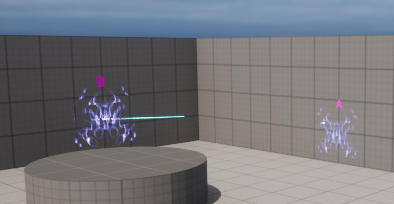
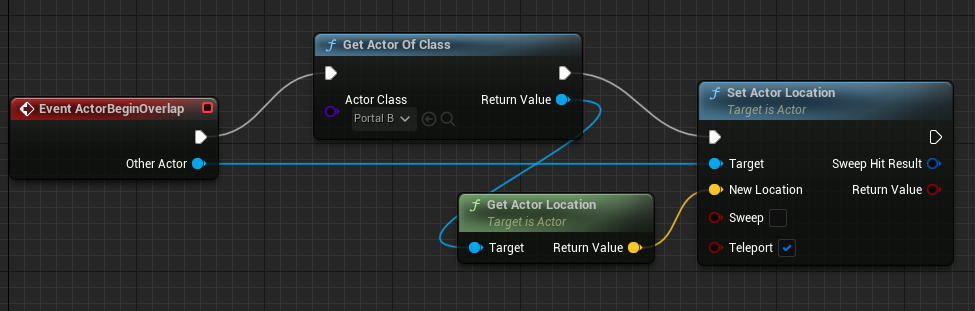
Rather than use a pre-set location, I can easily change the teleport point by moving portal B. There’s an in-world reference between these two locations for the player. I think this would work better with a cast however in order to have backup code for what happens when that cast fails.
Task 4
As a minimum, try and implement:
- 1.Something that tracks the player’s health
- 2.Something that counts down an ability cooldown – such as jump frequency
As stretch goals, you can try making:
- 3.Something that can change the world – such as buttons to change the player’s material
- 4.Something that resets the worldstate – such as a restart button
- 5.Something that tracks progress of a goal – such as a pickup tracker
For 1, in my indie dev game I’ve got health + maxhealth floats set up on the player character, it can be tracked visually on the player’s HUD.

For 2, my indie dev game also features a dash ability programmed difficulty with a do-once limit that resets after a delay.

I’m not sure but for 3, I think the walls may count for this as the walls are part of the game environment and the start button triggers a function for all of them.
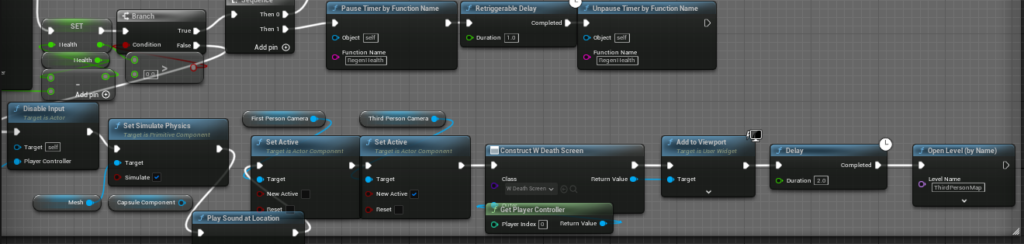
4, My indie dev game features a restart when the player dies.
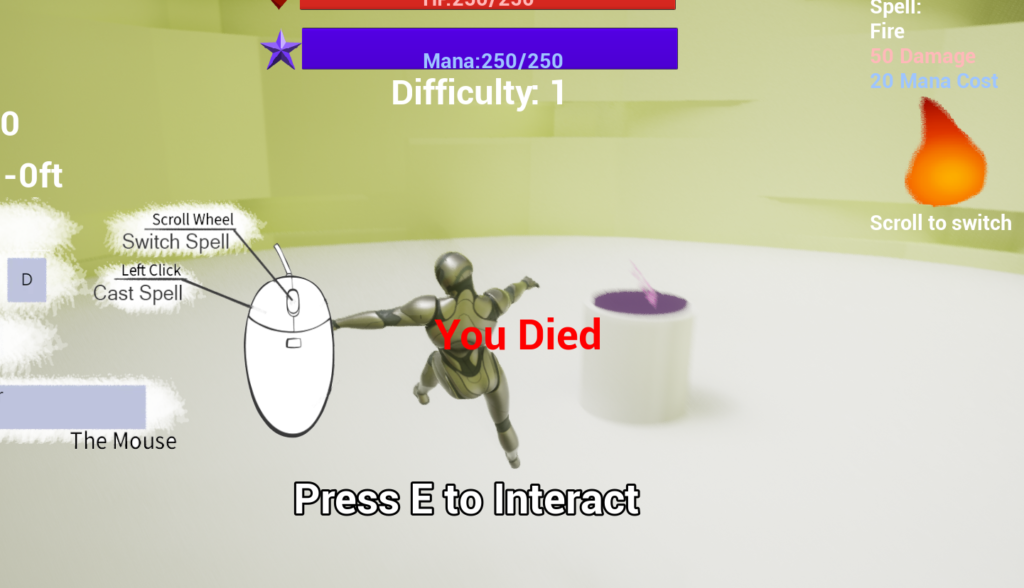
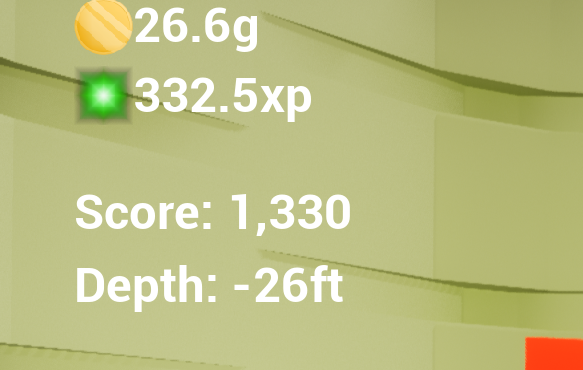
5. indie dev game is also tracking gold, xp and score earned from killing enemies as well as a depth gauge alternative to a timer.