16/01/2023:
This is the first attempt I made at unreal fundamentals, which involves finding my feet around the Unreal game engine. This is what I appeared to write at the time 16/01/23, and at the date of 06/04/23 I don’t have much to add.
Task 1:
As a minimum, try and implement:
• (A)Something that moves – either across the ground or with moving parts like a windmill
• (B)Something that changes when the player gets near – a door maybe?
As stretch goals, you can try making:
• (C)Something that spawns other blueprints
• (D)Something that follows the player
•(E) Something that changes with user input
A. For this task, I’ve set up a character for the player to control which is spawned into the game through a gamemode blueprint. I’ve set up axis inputs in project settings to arrow keys and WASD, and then in the characters even graph applied movement input to X and Y based on the axis inputs, alongside a jump function and I’ve provided a ball to test some physics with player movement. This provides the player with effective manoeuvrability around a level although the player loses directional control while airborne and may be rotated by accident by standing on the ball.
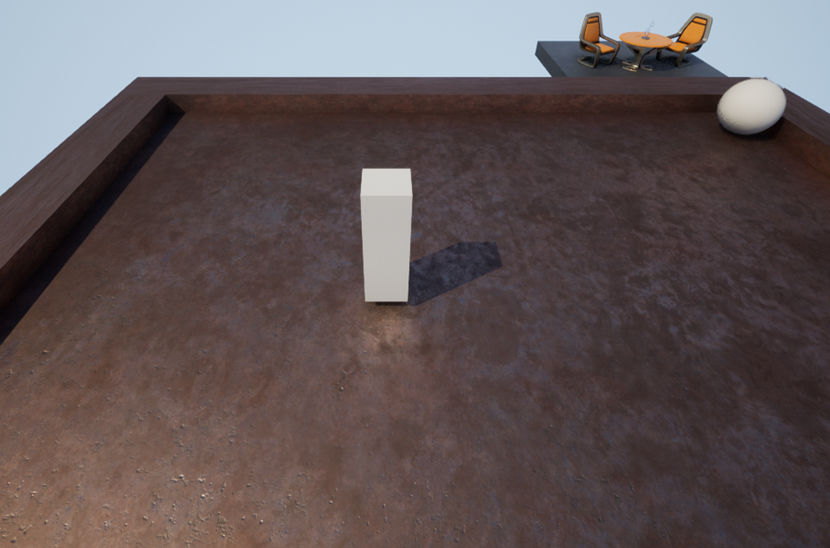
B. At the moment of writing, I have no audio so I can’t watch any video tutorials which help a lot for understanding new concepts. I’d like to experiment here with a straightforward and obvious solution where the current play area looks like a football field with the grey ball as a football. When the ball goes through the goal, it destroys the ball and creates a new one in the middle of the field. Additionally, points a tracked through gold cubes spawned on top of the goal.

Taking a second look at this, I think the player is supposed to trigger an event like this rather than the ball, my idea for that is to create a collider around the goal to shine a bright light when the player is close to scoring.
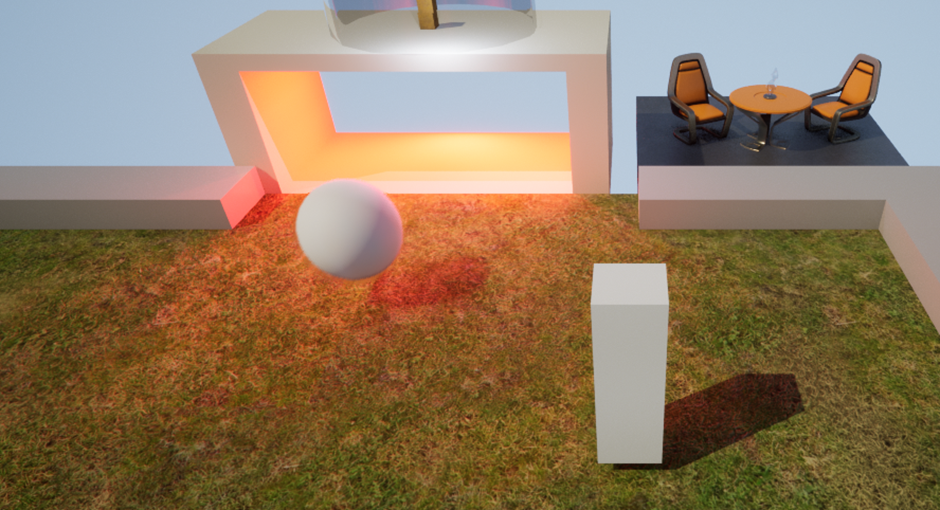
-The light is turning red now for both the ball and player.
C. I need to make something that follows the player, I’d like this to be the gold points, make them small and float over the player’s head.
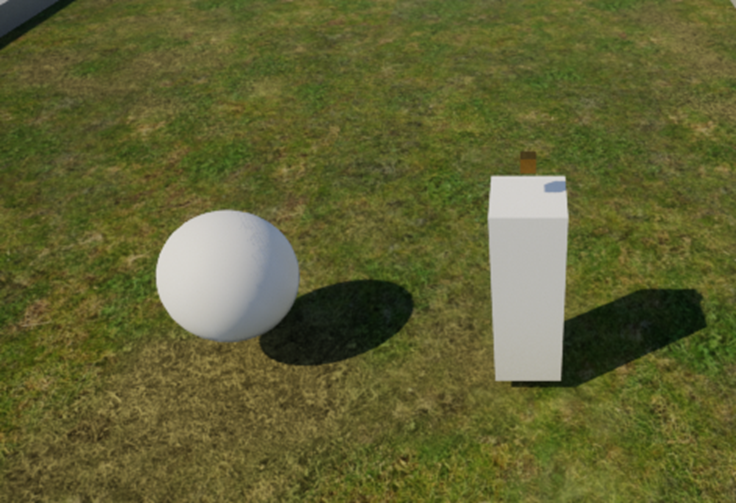
This was a good round for practicing a bit with the engine and learning some of the tropes though I have a long way to go in terms of understanding blueprinting and structuring my class.
Looking at some of the things I did in this class, I didn’t commit to a very challenging idea for something that moves, the player can move and can push a ball around, though I like that I made moving this around the basis of this task.
I like the idea I had for toggling the light for “changing something when the player is near”, though I got muddled up on the focus whether the player should toggle the light or the “objective” being the ball.
If I were to do this again, I would also use a cast on the overlap event between the player and the goal zone for an orange light and a different set of boxes and lights for when the ball enters the goal.
for D, I think I alternatively could have had a small follower block that would follow the player using AI move-to and stop moving a tiny distance from the player, rather than this block that matches the player position every tick.
Though I did not manage to do objective E, I think an interesting element would have been to switch input to start controlling the ball rather than the player once the player has reached the end zone.