[This is a copy paste from my unstructured dev log so far]
Before prototyping these ideas, I’m yet to write a single line of C++ code which isn’t good at all considering we’re 7/20 weeks into the project. For the brief, I need to create a hypercasual game, partake in games jams as well as create a ‘personal planning folder’ for industry related tasks, a list is also provided in the brief, it is not explained it’s just there so I assume it’s a list of things to practice in C++:
- Creating new actors in Unreal Engine
- Debugging Unreal Engine projects
- Input mapping and character control
- Collision Detection
- Camera movement
- Attaching items to sockets
- Character AI and behaviour trees
It feels overwhelming starting with this, I selected ‘Edit in C++’ on one of the third person template character components and felt shocked trying to break down what I was looking at – It would be ideal to start small and work from the list really.
First, I aim to create a new actor in unreal engine using C++, the easiest part of the process so far.
I wanted to see how different a new C++ character class would compare to the actor class as well but in the file, it seems to just be input binding.
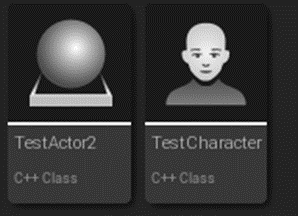
I’ve got my actor but now I need to do something with it, I think I should give it a cube body, physics, place it in the world, maybe even make it bounce up when it lands via a function call on collisions. Looking at the actor documentation to understand what’s going on, I’m ashamed to say I didn’t look at this last year and it’s explained a crucial bit such as how USceneComponent gives actors transforms. I’ll want this as the actor’s root component and then the static mesh.
https://www.youtube.com/watch?v=FBpnOuCgHu4 This tutorial by Ryan Laley seems to be a really good run though, though I need to greatly avoid solely going through video tutorials demonstrating how to do things this year, there’s a lot of C++ theory and concepts covered on VLE however for a lot of it I’m just unsure how to apply it to the engine, I think once I’ve got the ball rolling with this tutorial I’ll feel more comfortable and have a better idea where concepts apply such as what points I’d want to be using class and function declarations and working with variables. I got a little hazy trying to understand how to set a static mesh component to a class.
Ryan explains some good ideas aswell such as tools programming vs designer where the programmer works mostly on the C++ cpp and h files while the designer sets everything up in the engine editor, the programmer may want to make variables read only in blueprint so it can be read but not changed.

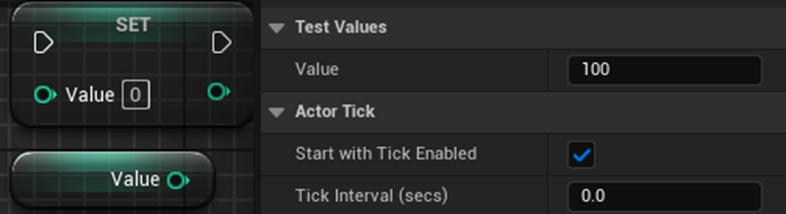
I made a variable in C++, and you can see and change the value in the editor!
And now, read only!


With new mediums I guess you do have to start somewhere, Andy Warhol who lead the pop art movement was ecstatic when he drew a simple circle on a Macintosh Computer in 1984.
Now he’s going through writing functions in C++ and calling them in blueprint.

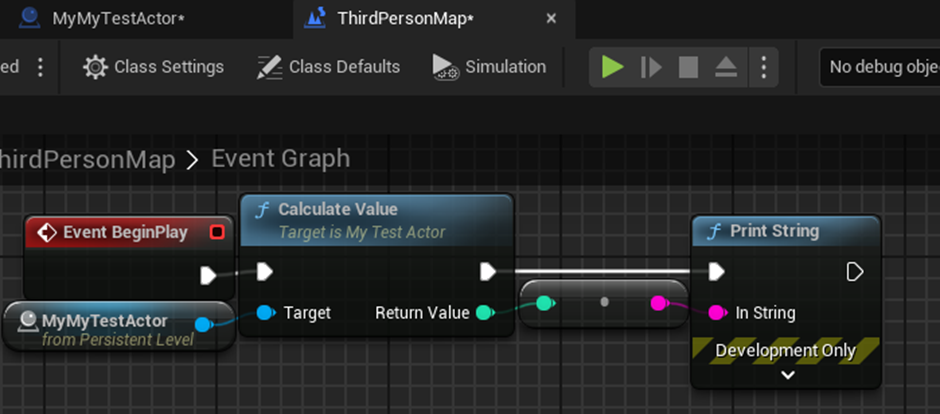
For my own practice, say we couldn’t change value A and B in editor but only through functions, I made 2 to increment value A and B.

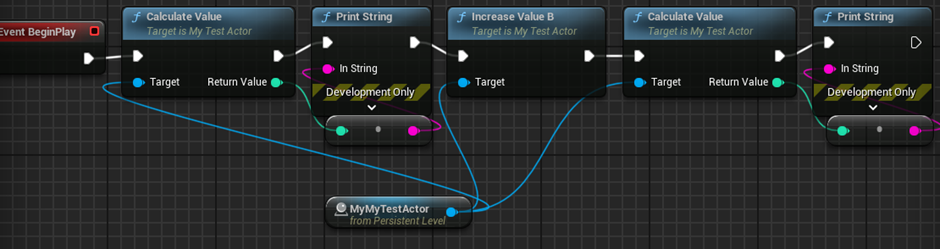

Now for events.

Part of the trouble here was getting the hot compiler to work while making changes in the IDE I kept getting this error despite following exact same as the tutorial but only when the event function wasn’t commented out, and I couldn’t identify the cause from the compiler or code. I deleted the blueprints that called the other functions from before, commented out the event in the .cpp file, compiled fine, uncommented the function and the compile worked.

Event call added to on calculate function, print function added to event in blueprints but. It’s not working like it just wont call. I threw an extra 5 minutes in debugging like making sure the prints weren’t bugged, I ended up retyping “BlueprintImplementableEvent” which fixed it despite carefull making sure there were no typos.
Now that I understand how the language is applied more in engine, the cpp and h file for the pre-written character in engine make sense for the most part now, and I can see how components for actors are created after seeing the camera boom for the character.

I am struggling real bad with this. I’m going to do the other subjects to clear my head.
Rich: it’s all about completing tasks in a job, you get them done (nice little insight into what the the work is like which is obvious in hindsight, a good guide I recall seeing on discipline was to keep digging when tackling a problem in coding until you get it and to keep working at it.
It’s time to start properly planning out what I need to do for this project: Timewise I have mid-unit review this week, an interchange next week and after that begins a games jam then one week left of uni before 3 weeks off for Christmas. I’ll return to 2 more weeks of uni, 1 more games jam then 3 more weeks ending with the submission. To summarise, this leaves 12 more weeks until submission where 2 are games jams, 3 are Christmas break, 1 interchange week and 6 standard weeks of uni, each should be I won’t be able to work much when I go home for Christmas for a week and those 2 games jams weeks will be dedicated entirely to the games jam part of the submission so this really leaves 9 weeks to complete my unreal tasks, essay and presentation. As urgent as I want to work on both the essay and presentation no ideas or thoughts are fresh in my head, the presentations are on the VLE and I don’t have another lesson until after the games jam so for now I’m planning on working on them after the games jam.
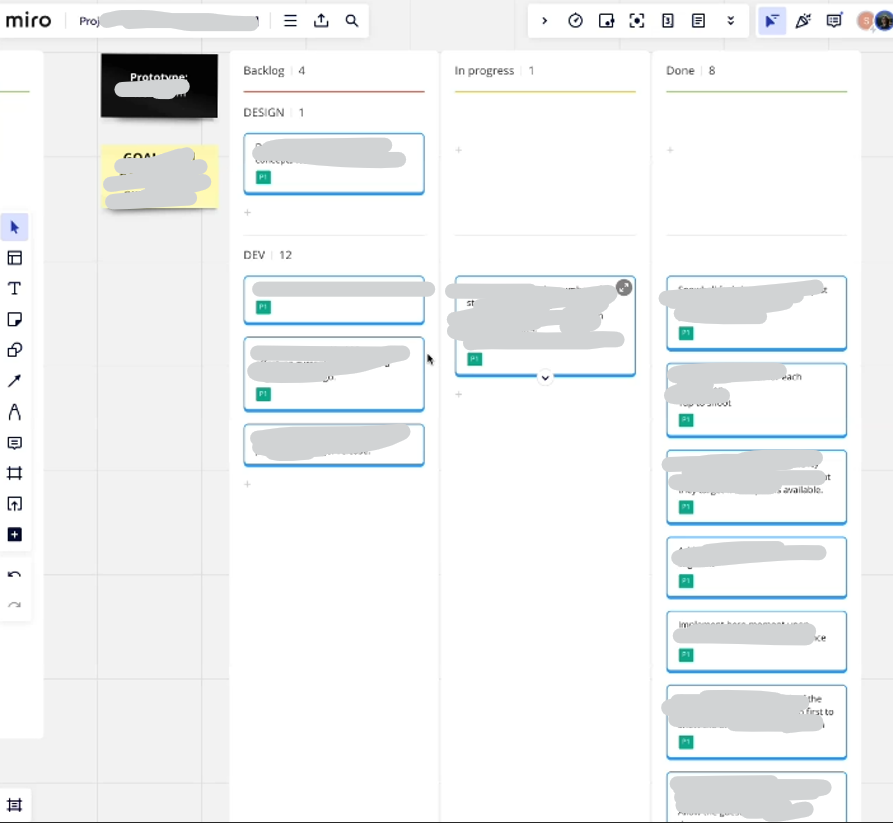
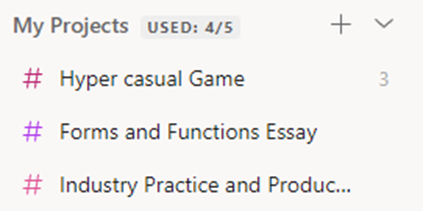
I’ll be using ToDoIst to help manage the overall brief and my time management while, I’ll be using Trello to manage the hypercasual game once I start working on a chosen approved concept.
For now, I’m going to go over some tutorials again to practice then try this concepts out on my own.
Andrew shared this guide and it’s exactly what I’ve been looking for:
https://docs.unrealengine.com/5.0/en-US/spawning-and-destroying-unreal-engine-actors/
Main way I understand this is that it’s setting up the components for the actor in code, I had trouble wrapping my head around this before but it makes a lot more sense from this tutorial. The C++ file is setting up all components as well before.
*Had to restart this as I forgot the starter content class, looks better now but the first time I typed everything manually, second time I copied and pasted everything over. Got up to making the first actor.
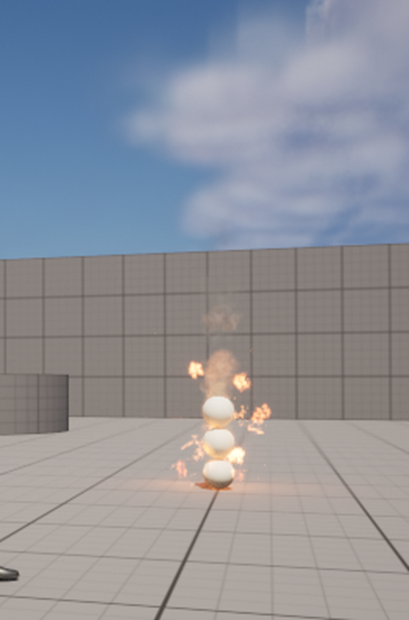
MAGIC
This guide has demonstrated how to do a lot, it’s shown:
- How to make a C++ class and use it in engine.
- How to create and set up components for actors.
- How to set up action mappings to trigger functions.
?How could I develop these concepts further? What is worth doing in the Unreal Editor vs in C++?
!Using C++ you have more control over the code, and runs a lot faster than blueprint so ideally you’d want as many functions as possible to be in C++, however something may take much longer than they’re worth to setup in C++ such as widgets.
C++ events can be set up to run blueprint code as well to get around this.
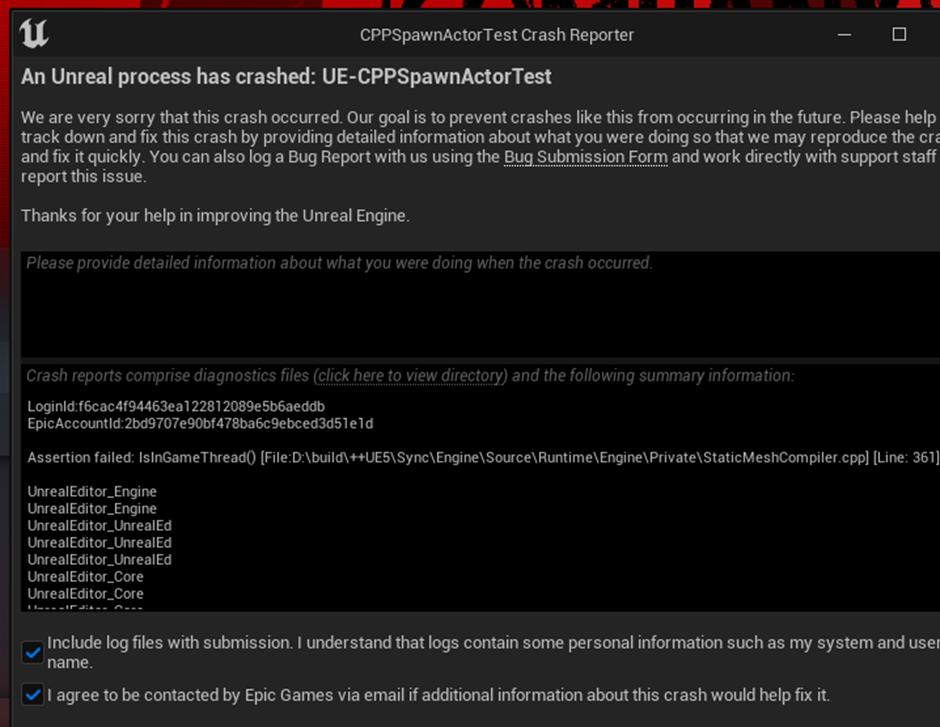
I wanted to run it again but I now have this happening every time I compile :c